Switching From direct.me? Move Your Links to a New Page in Minutes
· 1 min read · Written by Jay
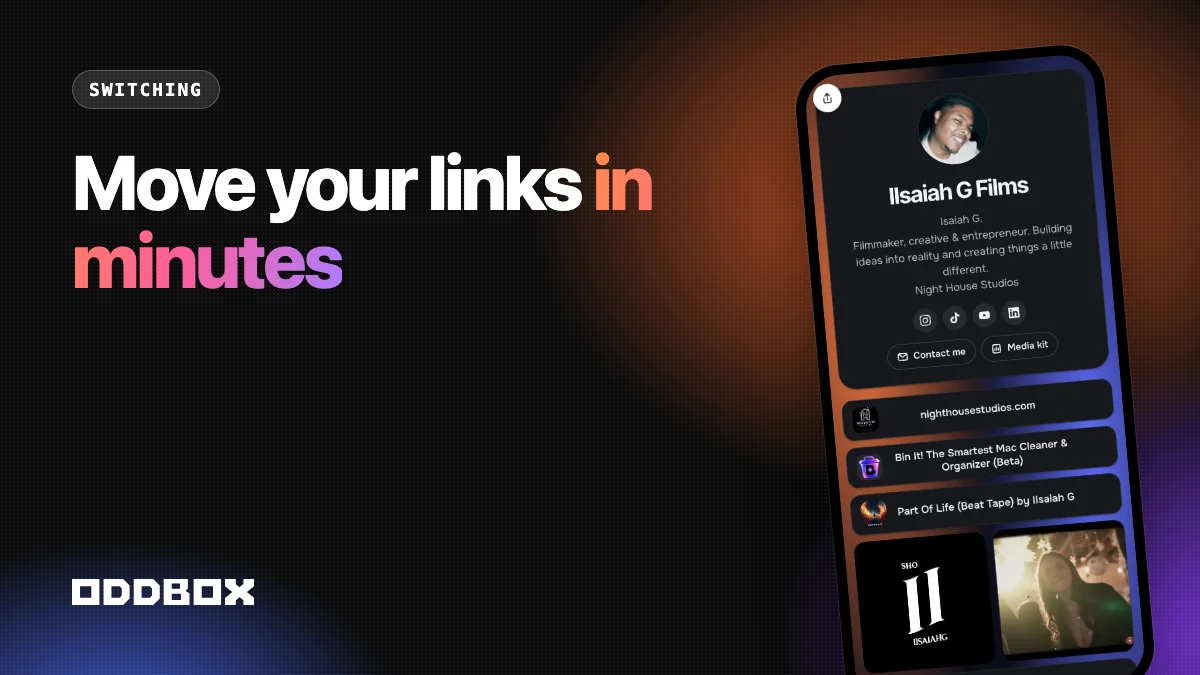
To move off direct.me, copy your links and paste them into ODDBOX in one go. You get a classic link list in Link Mode, with videos and other visual boxes mixed in, plus a full grid if you want your page to show your work.
People usually look for a direct.me alternative when they want their page to look more like them, want videos to play on the page, or want better stats. Here's how to move without losing anything.
Step 1: Collect your links
Open your current page and copy every link, top to bottom, in the order you want. Include your social profiles.
Step 2: Paste them into ODDBOX
Choose Paste your links when you start. Paste the whole list, one link per line. Each one becomes a tile, and social profiles go into your social icons automatically.
Step 3: Choose your look
- Link Mode gives you the clean list of buttons you're used to. Add a video and it plays right in the list; square and reel videos sit two to a row.
- The grid turns your page into a visual layout with your best work in big tiles.
You can switch between them any time.
Step 4: Update your bios
Replace the old address in your Instagram, TikTok, YouTube, and email signature, then check each one on your phone.
Frequently asked questions
Why choose ODDBOX over other link-in-bio tools?
Because it does both jobs: a familiar link list and a visual page, from one account, with a contact form, a media kit, and stats on the free plan.
How long does it take?
About ten minutes, most of it spent collecting links.
Paste your links into ODDBOX